Congratulations on your employment with UMBC! Here you will find helpful reference information to aid in your onboarding.
First Step:
Your new hire paperwork will come via DocuSign as two separate emails from UMBC Human Resources (HR) (dshr@umbc.edu). Please check your inbox and spam folder for these emails.
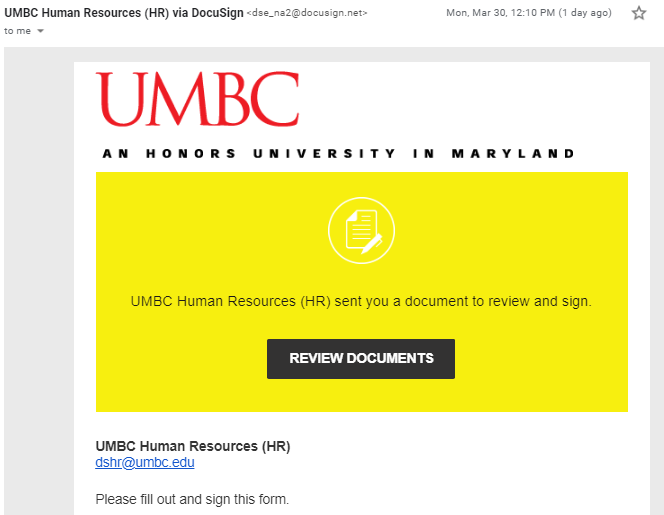
One will be for your *New Hire* Onboarding
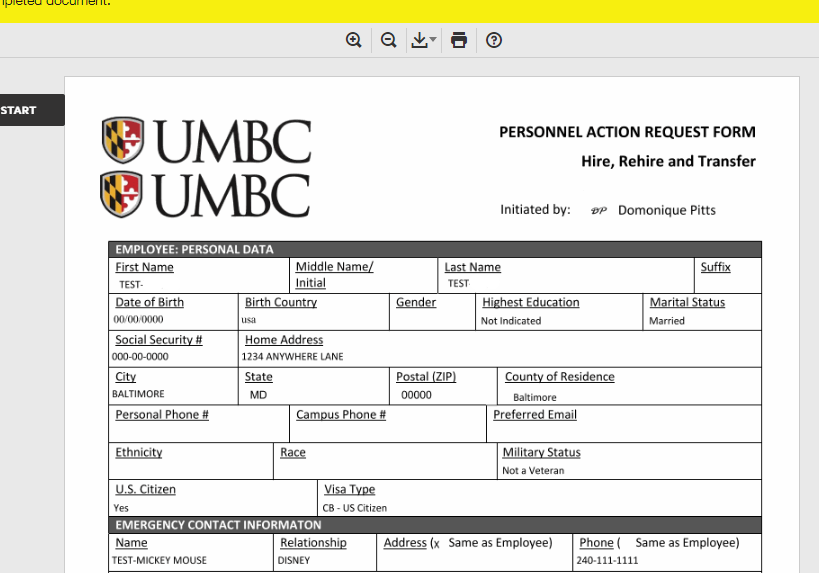
Note: If you are a faculty member, please remember to make your Retirement Selection to avoid any delays in payment. You will receive benefits information about two (2) weeks after your employment start date.
Another for your *I-9*
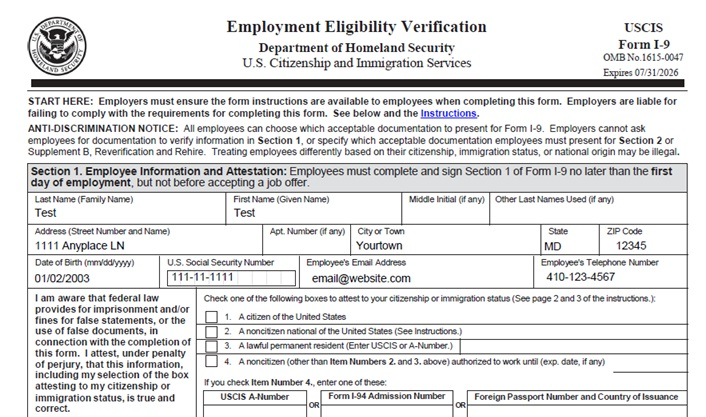
I-9 NOTE: You will need to upload your forms of identification for your I-9 to complete your hiring packet to our Box Folder
- If you do not have a Social Security Number (SSN), please reach out to Domonique Pitts (dpitts@umbc.edu) to initiate the Affidavit of Compliance to issue you a temporary identiification number to be used for your UMBC Onboarding Paperwork ONLY. This number will be used in the spaces requesting your SSN. Once you receive your permanent SSN we will complete a new I-9. Do not use a generic number (ex.123-45-6789) on your I-9 or it will be rejected.
- Examples of the required documents for your I-9 are:
Employment Authorization Document (EAD) OR Passport AND
I-94 AND
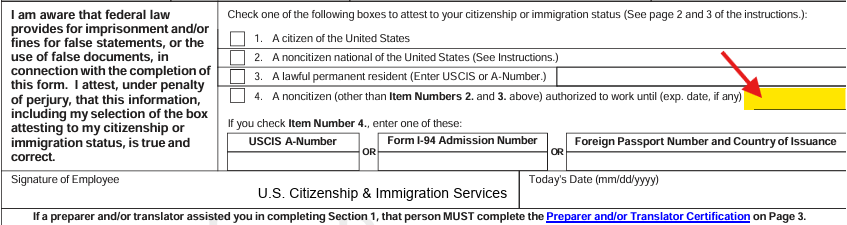
DS-2019 OR I-20 OR I-797 - When completing part 1 of your I-9, please remember to fill out the “authorized to work until:” line
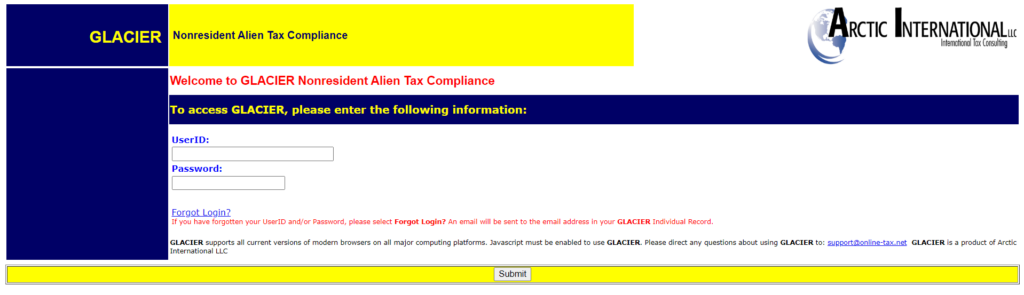
- You will need to complete your Glacier profile. You will receive an email from: support@online-tax.net with the subject “GLACIER Online Tax Compliance System.” I’ve included an example below. Please fill out your profile to the best of your ability, as it is required for your onboarding. *NOTE: You will need to upload your documents to their BOX folder, as well.* Do not mail the tax forms generated by Glacier to CPB. A W-4 will be provided to you with special codes from Domonique.
Second Step:
Complete the fillable W-4, MW507 (or a D-4 if you reside in DC) , and Direct Deposit forms.
- 2026 W-4 Employee’s Withholding Certificate
- 2026 MD MW-507 Employee Withholding Exemption Certificate
- OR 2026 DC D-4
- OR EWAC(if working and residing in another state)
- Direct Deposit
Please take your time, and it is best to inquire with guardians or a financial advisor if you have any questions regarding your tax forms. We can review your documents before you mail them in for any inaccuracies.
*If you fail to submit these forms or your paperwork is incorrect, you will be taxed at the highest amount.*
Please mail in your completed forms directly to:
Central Payroll Bureau
P.O. Box 2396
Annapolis, MD 21404
Things to consider:
- You may place all forms in the same envelope.
- Fill out all forms electronically.
- The forms must have an original “wet” signature, using black ink.
- On the W-4, if you work somewhere else on campus, you DO NOT need to fill in Step 2: Multiple Jobs, as this is under the same employer. In most student cases, you will just fill in Steps 1 and 5.
- NOTICE: it is COUNTY of residence, not country. 🙂 If you live out of state, this will be Baltimore on the MW 507.